Complete the following steps to update a member's Mobile Deposit Information in the idocVAULT:
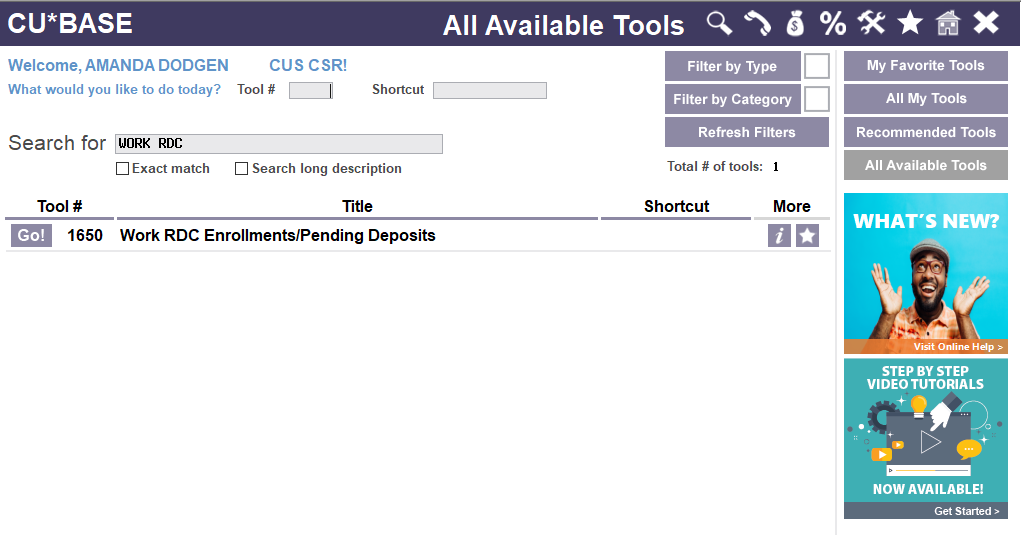
1. Launch Tool # 1650: Work RDC Enrollments/Pending Deposits to move directly to your RDC vault. (No additional username or password is required using this tool)
- Before using this new tool, be sure to contact us to assist you with assigning your security settings for users being logged in via this new secure single sign on (SSO).
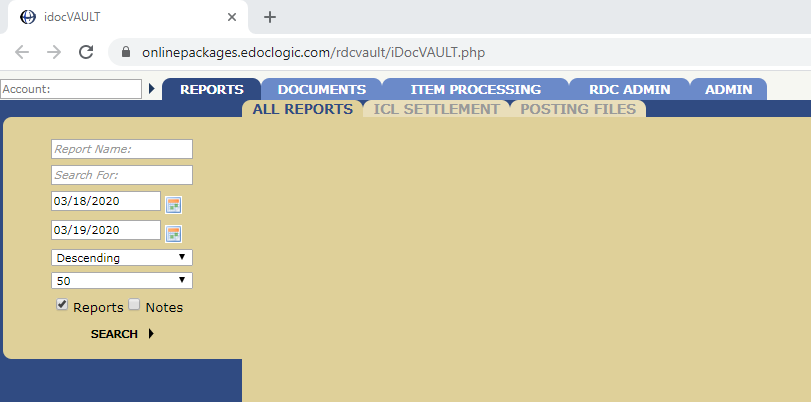
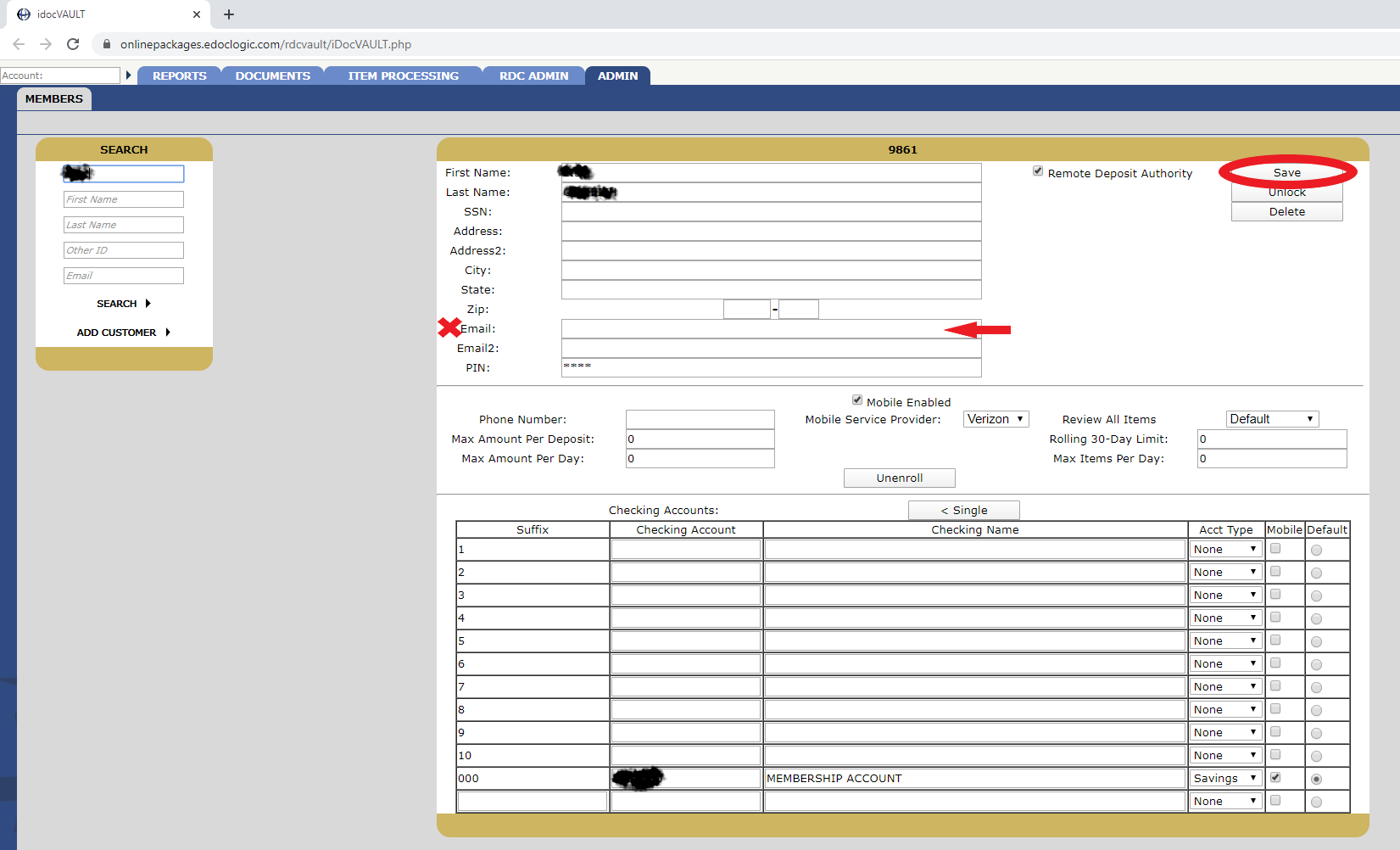
2. A new browser window will open to show the idocVault/RDCVault
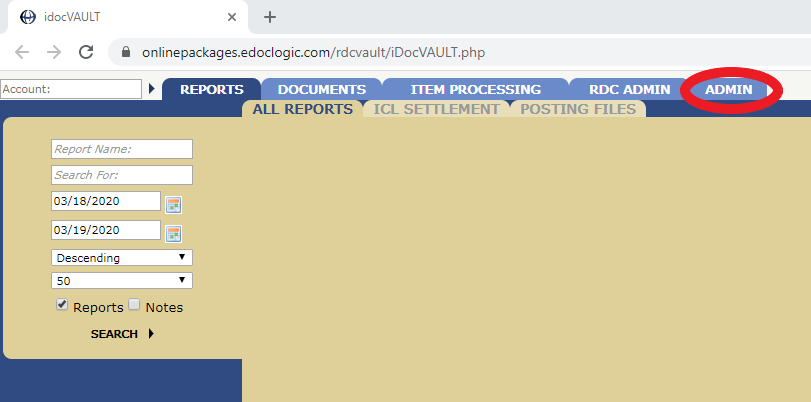
3. Click the ADMIN tab
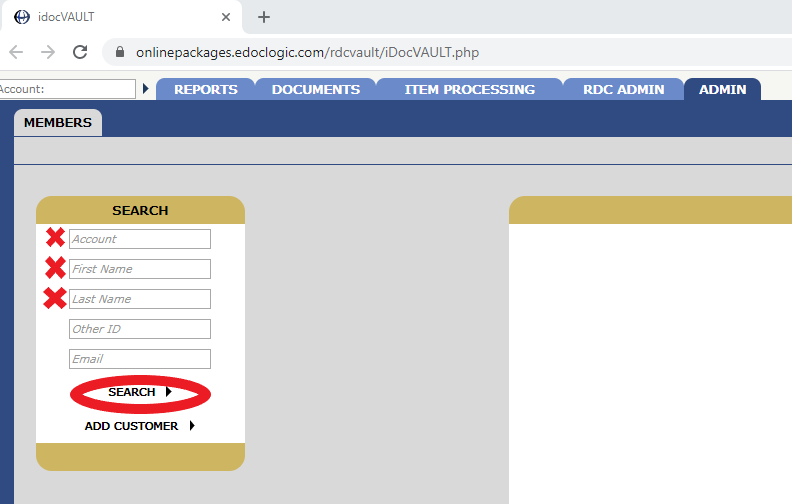
4. Enter the members account number OR their first and last name, then click 'SEARCH'
5. Enter the members preferred email address in the Email field, then click 'Save'
Comments
0 comments
Article is closed for comments.